// feature
Brand Kit & images
Images in your colours, in every article.
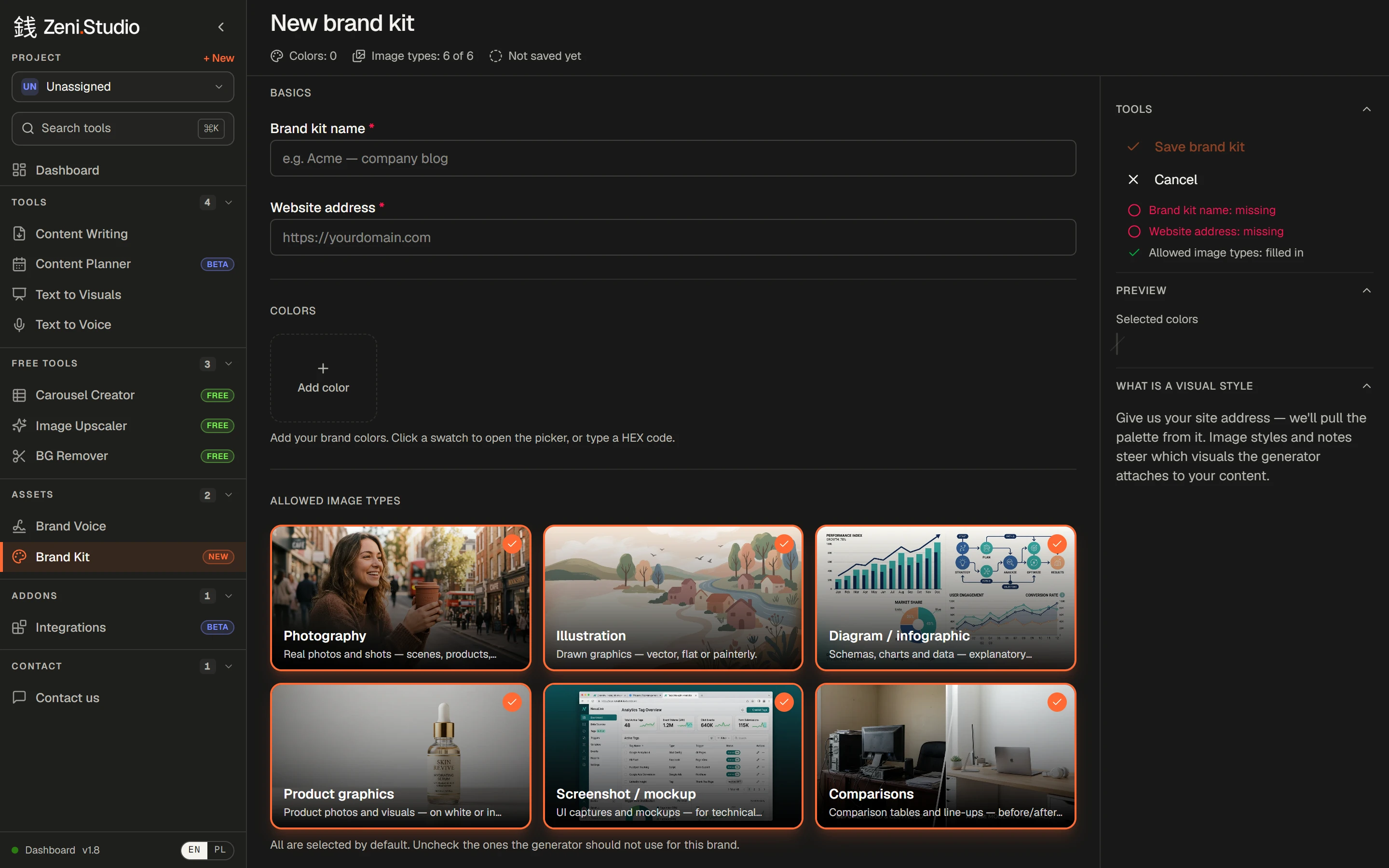
Switch on images and each article comes illustrated — in your brand colours, and only in the kinds of images you allow.
Try it free→3 free content credits · no card required
What you get
- /01
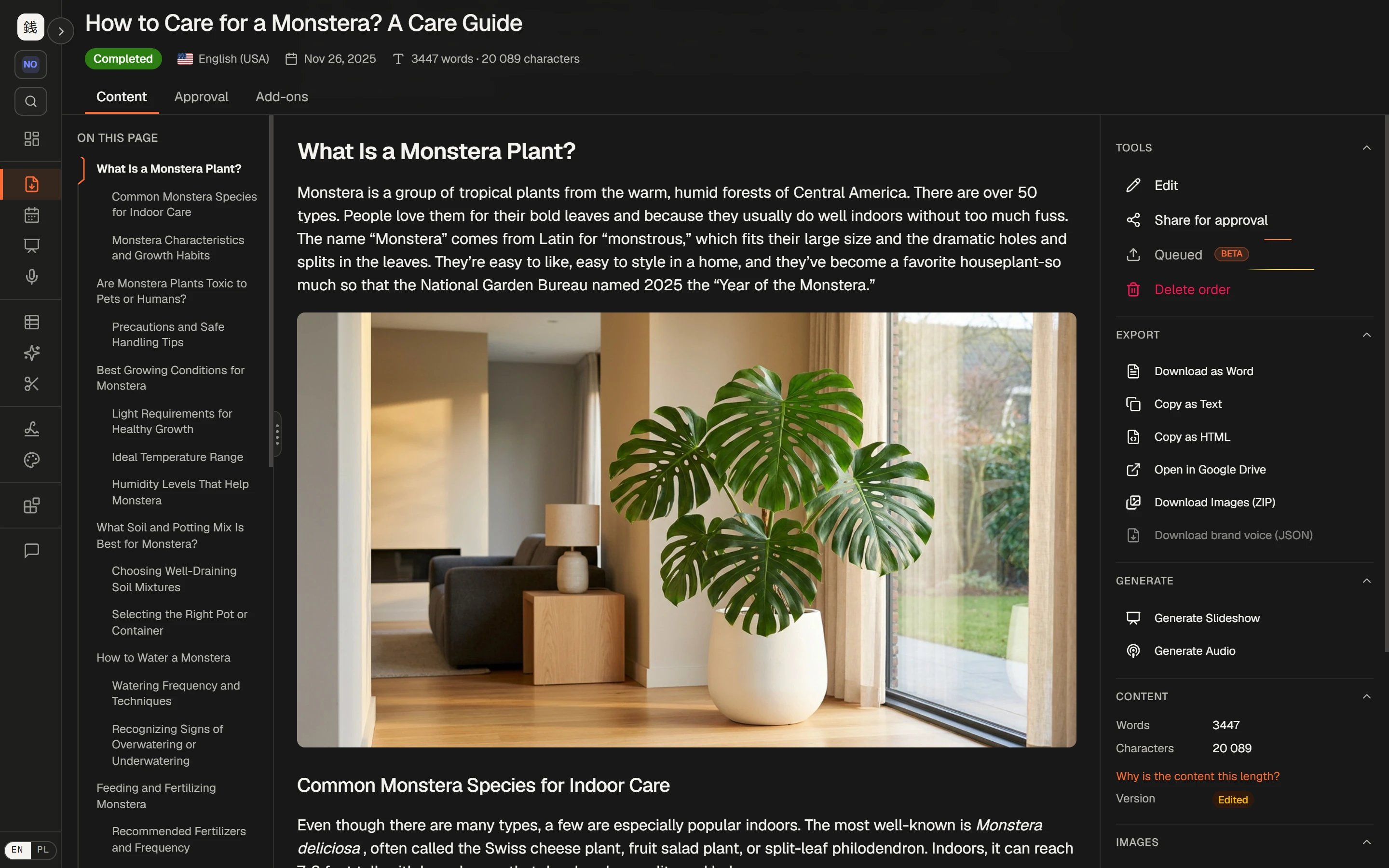
Images inside the article
Typically 4–9 per article, placed in the sections they illustrate.
- /02
Descriptive alt text
Every image comes with alt text that describes it — good for accessibility and for search.
- /03
Your colours
Up to 12 brand colours, picked or typed in as HEX.
- /04
Only the image types you want
Photography, illustration, diagrams and infographics, product graphics, screenshots and mockups, comparisons — switch off what doesn't fit.
- /05
Notes for the generator
Anything else the images should respect.
- /06
Download any time
Save single images or all of them as a ZIP.
How it works
- 1Create a brand kit: name, website, colours.
- 2Leave on the image types that fit your brand.
- 3In an order, switch on images for the articles that need them.
- 4Articles arrive with images in place.
Frequently asked questions
How many images does an article get?
Typically 4–9, depending on the article.
Can I use more than one brand kit?
Yes. Create a kit per brand or client and pick one for each order.
Rankings where this feature counts
- The 6 best AI blog writers for e-commerce in 2026Links to your products, on-brand images, your voice and publishing to your store — six tools compared.→
- The 6 best AI writers for agencies and freelancers in 2026A voice per client, 50 articles per order, client sign-off without accounts — six tools compared.→
- The 6 best AI blog writers for SaaS in 2026Links into your product and docs, depth on crowded topics, diagrams and social graphics — six tools compared.→
More features
- Content WritingUp to 50 articles in one order — each researched, structured and written in your voice.→
- Brand VoiceTone, audience, banned phrases and examples — set once, applied to every article.→
- Internal linkingYour sitemap in, relevant links to your own pages written into every article.→
- Text to Visuals & Carousel CreatorSlides and social graphics from any article — designed, captioned and ready to post.→
- Publishing & exportStraight to WordPress or Shoper (both in beta), or out to Word, HTML and Google Drive.→
- Client approvalA review link for your client: approve or request changes, no account needed.→