Publishing & export
From finished to published.
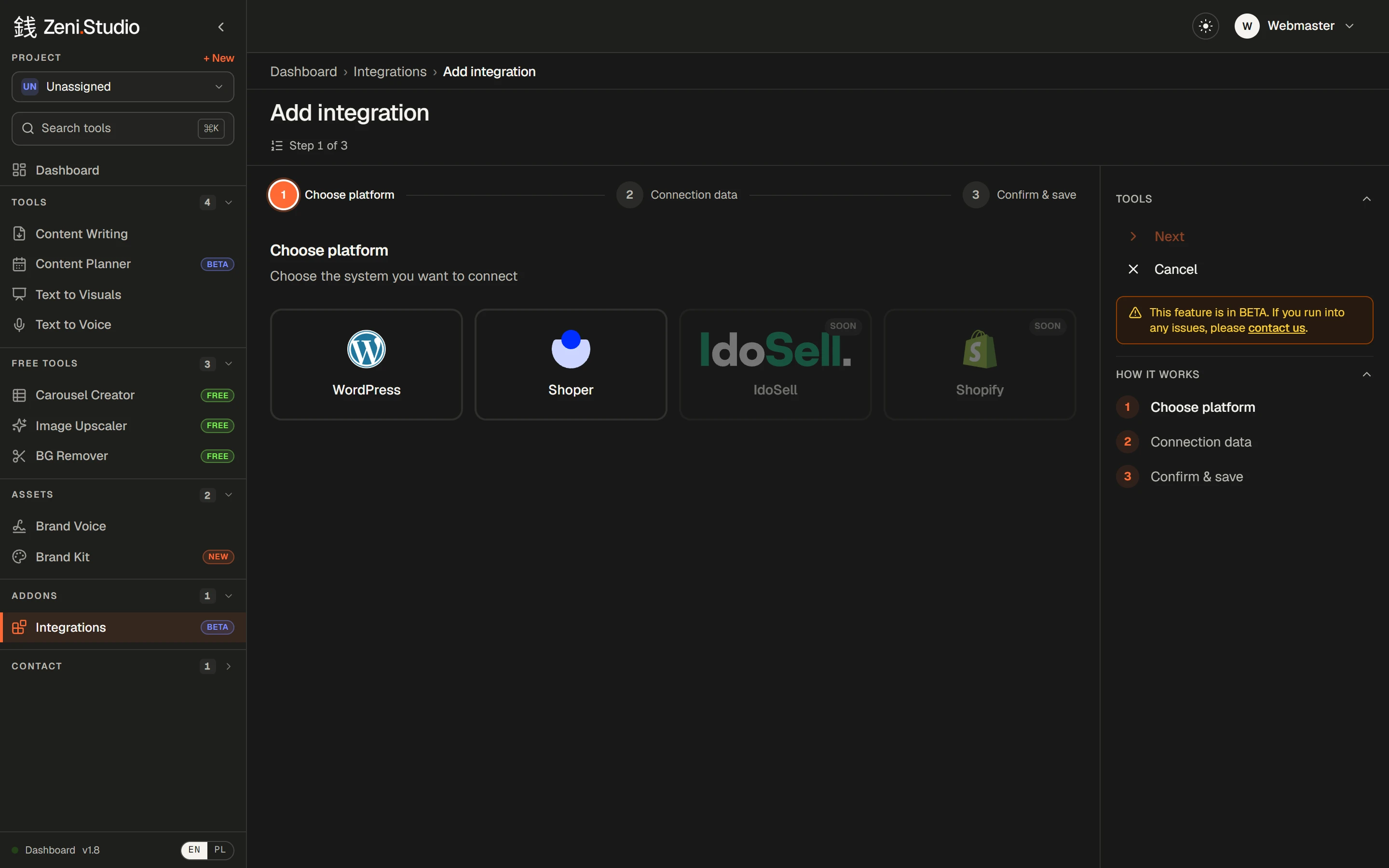
Connect WordPress or Shoper and articles go live on their own, on the date you set — or export them to wherever your team works.
What you get
- /01
WordPress (beta)
Connect with an application password — no plugin to install. Publish live or as a draft.
- /02
Shoper (beta)
Articles land on your Shoper store's blog, in the language version you choose.
- /03
Automatic or one click
Auto-upload as soon as an article is ready, or send it yourself when you've reviewed it.
- /04
A publish date per article
Give each article in the order its own publish date.
- /05
Your edits go out
Whatever you changed in the editor is the version that gets published.
- /06
Export anywhere
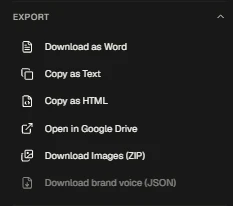
Word, plain text, HTML, Google Drive, images as a ZIP — or all of an order's articles as DOCX files at once.
How it works
- 1Add an integration: pick WordPress or Shoper.
- 2Enter the connection details and save.
- 3Turn on auto-upload in an order — or hit Send on a finished article.
Frequently asked questions
Do I need a WordPress plugin?
No. Zeni connects with your site's domain, a username and an application password — a standard WordPress feature.
Will articles go live straight away?
Your choice: publish them live or as drafts, and set a publish date per article.
Rankings where this feature counts
- The 6 best AI blog writers for e-commerce in 2026Links to your products, on-brand images, your voice and publishing to your store — six tools compared.→
- The 6 best AI writers for agencies and freelancers in 2026A voice per client, 50 articles per order, client sign-off without accounts — six tools compared.→
- The 6 best AI blog writers for SaaS in 2026Links into your product and docs, depth on crowded topics, diagrams and social graphics — six tools compared.→
More features
- Content WritingUp to 50 articles in one order — each researched, structured and written in your voice.→
- Brand VoiceTone, audience, banned phrases and examples — set once, applied to every article.→
- Brand Kit & imagesArticles come illustrated — in your colours, in the image types you allow.→
- Internal linkingYour sitemap in, relevant links to your own pages written into every article.→
- Text to Visuals & Carousel CreatorSlides and social graphics from any article — designed, captioned and ready to post.→
- Client approvalA review link for your client: approve or request changes, no account needed.→