Text to Visuals & Carousel Creator
One article, a whole set of social graphics.
Turn any article into designed slides for social media and presentations — in a style you pick, in the format you need, with the post copy written for you.
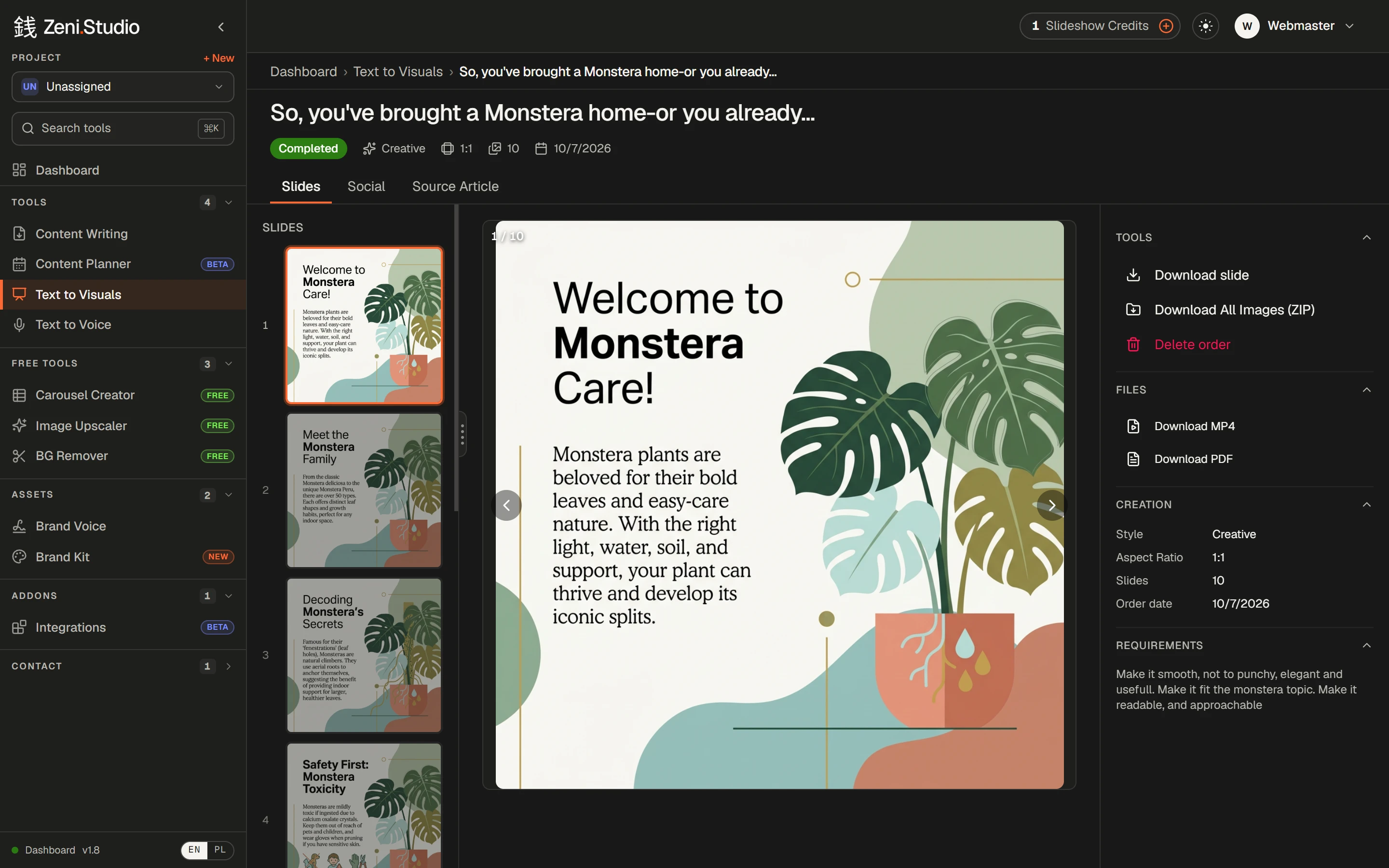
What you get
- /01
Straight from the article
Paste text, pick an article you've written, or hit Generate Slideshow on any article.
- /02
Six styles
Corporate, modern, minimal, creative, elegant or bold — plus your colours, a reference photo and extra requirements.
- /03
Five formats
1:1, 9:16, 16:9, 4:5 and 3:4 — feed, stories, reels, YouTube.
- /04
Post copy included
A post title, description and hashtags come with the slides.
- /05
Download your way
Single slides, all images as a ZIP, a PDF or an MP4.
- /06
Free Carousel Creator
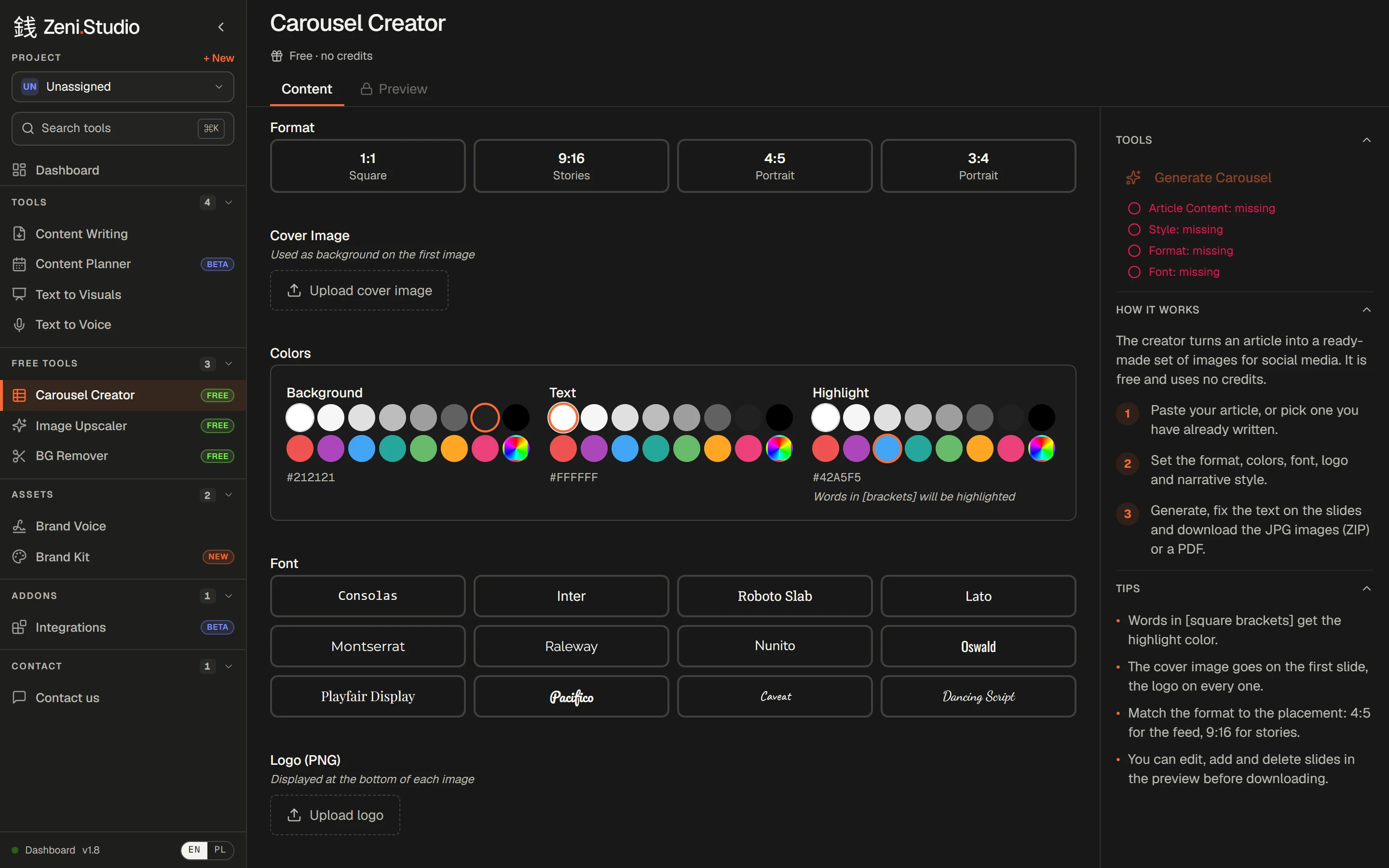
Clean text carousels in your fonts, colours and logo — edit the slides, download JPGs or a PDF. No credits used.
How it works
- 1Start from an article — or paste any text.
- 2Pick a style and a format.
- 3Add colours, a reference photo or notes if you like.
- 4Download the slides with the post copy, ready to publish.
Frequently asked questions
Is the Carousel Creator really free?
Yes. It's available on every account and uses no credits.
What's the difference between Text to Visuals and the Carousel Creator?
Text to Visuals designs illustrated slides in a style you choose and writes the post copy. The Carousel Creator builds clean text slides in your own fonts, colours and logo — for free.
More features
- Content WritingUp to 50 articles in one order — each researched, structured and written in your voice.→
- Brand VoiceTone, audience, banned phrases and examples — set once, applied to every article.→
- Brand Kit & imagesArticles come illustrated — in your colours, in the image types you allow.→
- Internal linkingYour sitemap in, relevant links to your own pages written into every article.→
- Publishing & exportStraight to WordPress or Shoper (both in beta), or out to Word, HTML and Google Drive.→
- Client approvalA review link for your client: approve or request changes, no account needed.→